


Many pilot selection processes now include a block of short, timed, game-like tests before any interview. A large share of them are in the style of the cut-e test family, which is now part of Aon: small tasks of a few minutes each, delivered online, that each measure one cognitive ability. This guide explains how they work and how to prepare — without promising you a result, because no honest preparation can.
- Aon-style tests are short (often a few minutes each), timed and online; each one measures a single ability.
- Candidates commonly report them at flight schools and airlines — FTE Jerez, OSM Aviation Academy, Jet2, flynas and Wizz Air come up in candidate reports. The exact battery varies.
- The tasks fall into four families: multitasking, attention and speed, memory, and spatial and logical tasks.
- What preparation changes is familiarity: rules, controls, pace and traps. Meeting a format for the first time on the day costs time.
- CadetPro has 15 practice modules with a free practice mode; the timed test mode and reports are PRO. We are independent and not affiliated with Aon, cut-e or any airline.
01What Are Aon-Style Aptitude Tests?
The tests in this guide come from the tradition of cut-e, a psychometric test publisher whose short online tests are now offered by Aon. Instead of one long paper-style exam, the candidate meets a series of small tasks: count the dots that drift across a scope, say whether this picture matches the one two steps back, keep three panels alive at once. Each task usually lasts a few minutes and targets one ability.
Two features set them apart from classic reasoning tests. First, many of them are speed-sensitive: the score depends on how much correct work you produce in the time, not only on how many you get right out of those you attempt. Second, several of them change while you work — dots move, pairs change every second, a plane keeps flying while you check a sum — so you cannot stop and think the way you would on a static question.
Results are generally interpreted against a comparison group rather than a published pass mark, and employers rarely say how they weight individual tests. That is why this guide does not quote cut-offs or pass rates: none are published, and any figure you see online is an estimate.
02Where Pilot Candidates Report Meeting Them
Employers seldom name the test publisher in their adverts. What we have is candidate reports: forum threads, preparation discussions and first-hand accounts. In those reports, Aon-style or cut-e-style tests come up in the selection processes of, among others:
- FTE Jerez — flight training school, cadet selection
- OSM Aviation Academy — flight training school, cadet selection
- Jet2 — airline pilot recruitment
- flynas — airline cadet and pilot recruitment
- Wizz Air — candidates report short cognitive and multitasking tasks in the online psychological stage (see our Wizz Air Pilot Academy guide)
03How the Tests Are Usually Delivered
Candidates most often describe the following pattern, although the details are set by each employer:
- Online and timed. Tests are usually taken on a computer at home or at a test centre, each with its own clock.
- Instructions first. Each test typically opens with an explanation and a short practice part before the scored part starts.
- Several tests in one sitting. A battery is often a handful of short tests back to back, so concentration has to last across all of them.
- Little or no feedback. In the scored part you usually do not see whether an answer was right.
Check the technical requirements in your invitation in advance — browser, device, sound and connection — so the first minutes of the real test are not spent on setup.
04The Four Families of Task
Short aptitude tests can look very different on screen, but most of them fall into one of four families. Training one family does not do much for the others, which is why it pays to know which ones you may meet.
| Family | What it asks of you | CadetPro practice modules |
|---|---|---|
| Multitasking | Several small jobs on one screen and one clock; nothing waits for you. | Multitasking · Multitasking Capability · Sonic Multitasking |
| Attention & speed | Fast, accurate checks on material that keeps changing or arrives at a fixed pace. | Monitoring · Reaction Speed · E With Dots · Spot the Difference · Hand-Eye Coordination |
| Memory | Holding a short sequence or a layout while something else interrupts. | Working Memory · Spatial Memory · Grid Challenge |
| Spatial & logic | Reading instruments, tracking turns, and working out codes and sums. | Spatial Orientation · Sense of Direction · Switch Challenge · Digit Challenge |
0515 Practice Modules, With a Free Practice Mode
Each module below is an original CadetPro build modelled on a publicly described task type. Every one has a free practice mode — no clock, no score and an explanation for every mistake — and a timed test mode with a performance report in PRO. The screenshots are from the real modules.
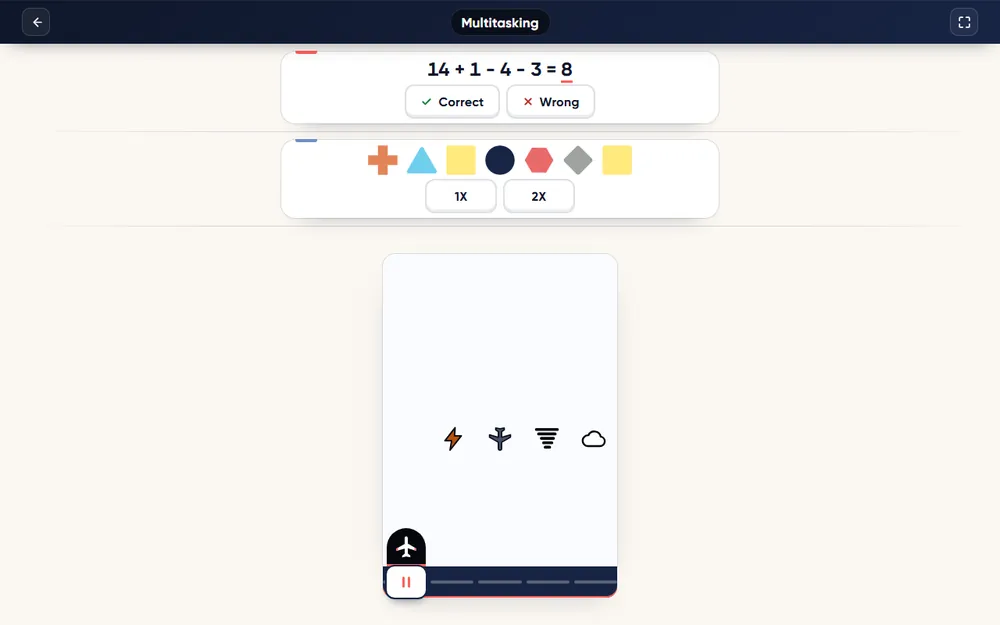 MultitaskingMultitaskingA running sum, a row of shapes and a plane in a gap — all at once.Module page →
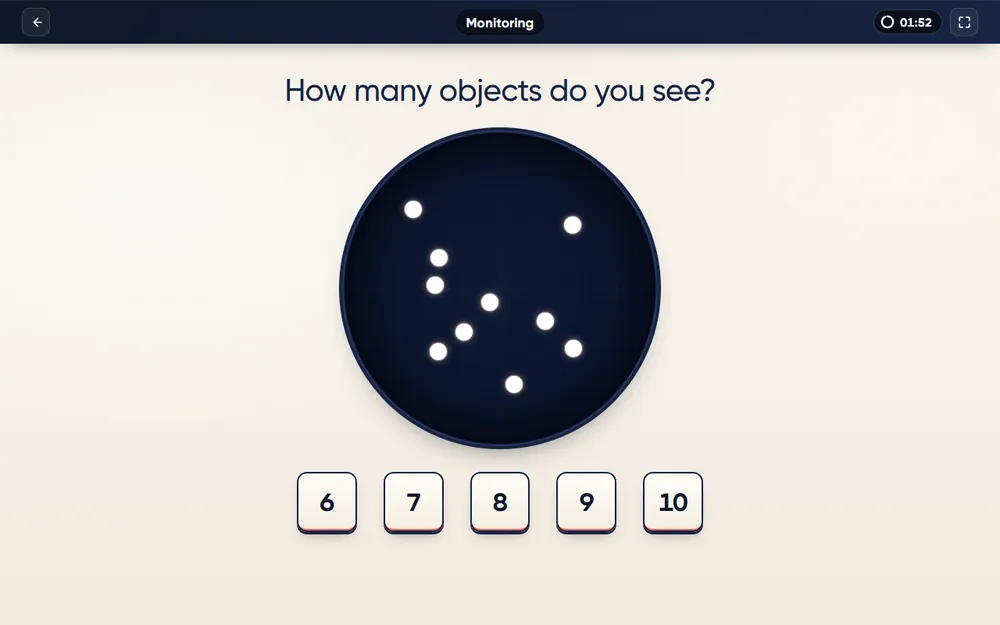 Attention & speedMonitoringCount the drifting dots before they move again — five keys, two minutes.Module page →
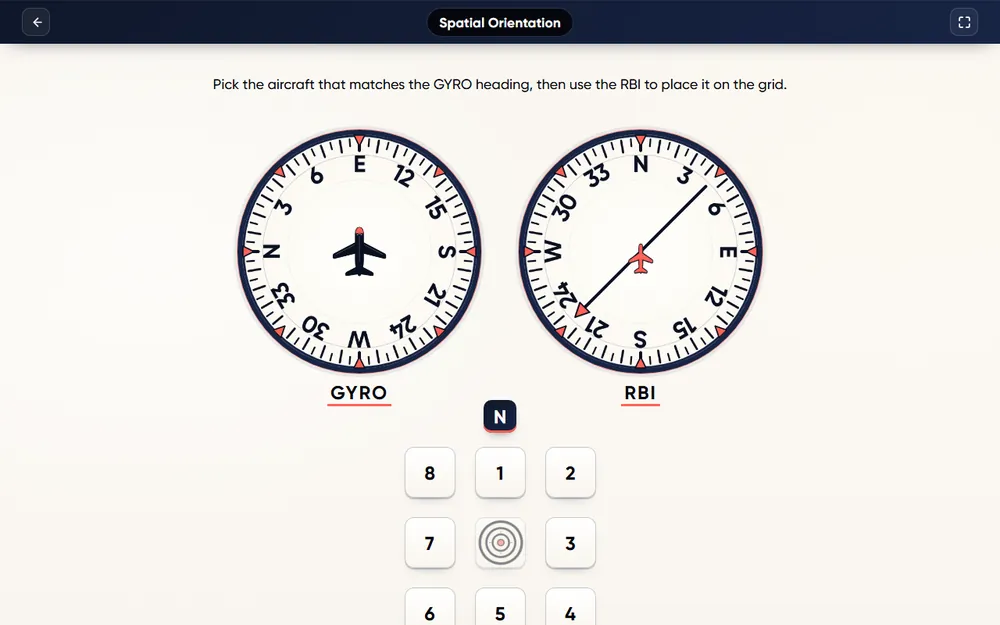 Spatial & logicSpatial OrientationRead a heading instrument and a bearing needle — then place the aircraft.Module page →
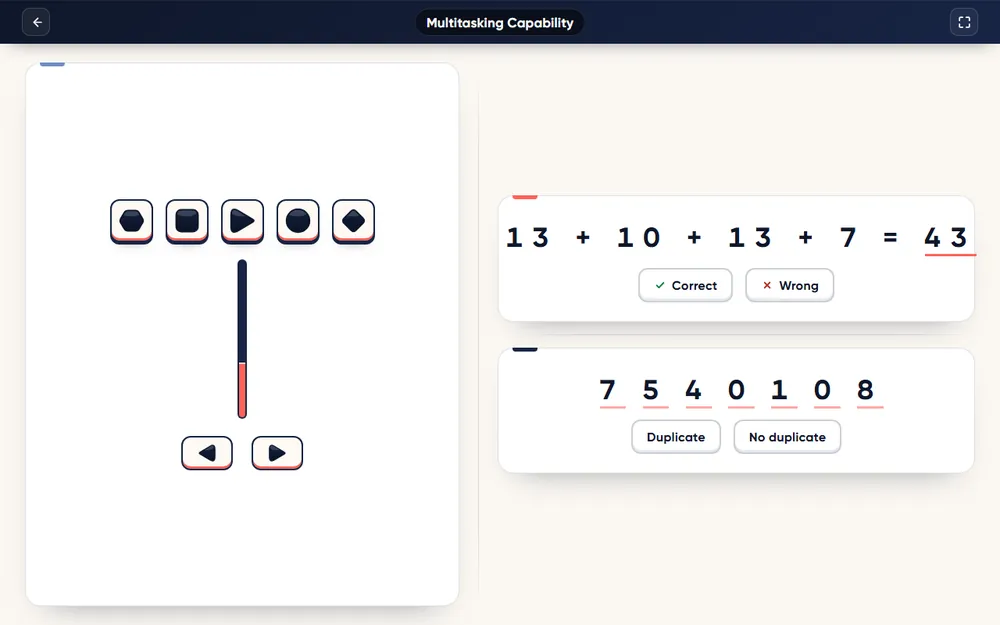 MultitaskingMultitasking CapabilityAn arrow among shapes, a running sum and a row of digits, for five minutes.Module page →
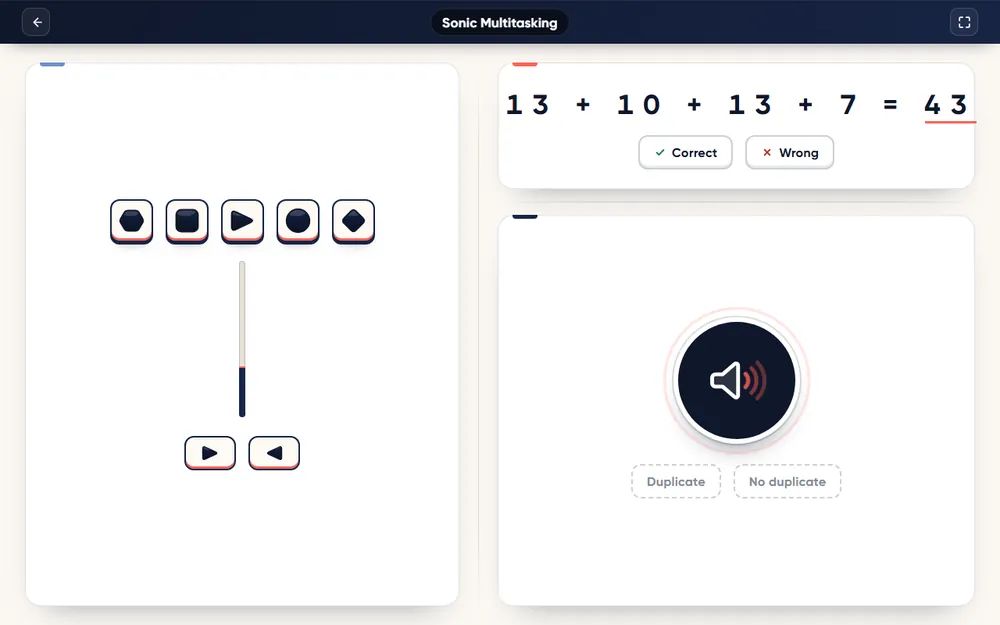 MultitaskingSonic MultitaskingTwo tasks you see and one you only hear — turn your sound on.Module page →
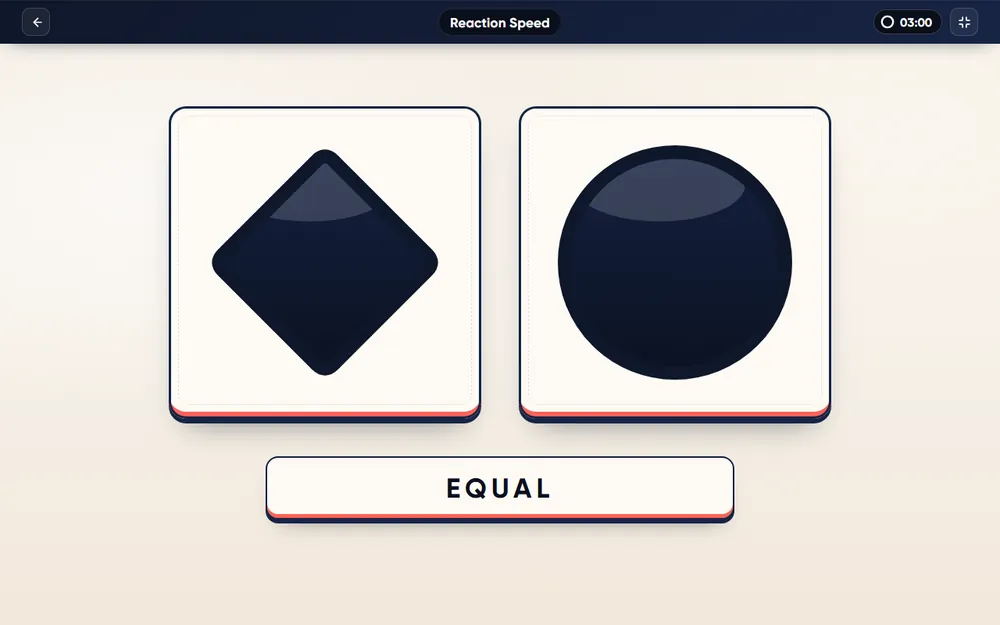 Attention & speedReaction SpeedTwo shapes, a new pair every second — press only when they match.Module page →
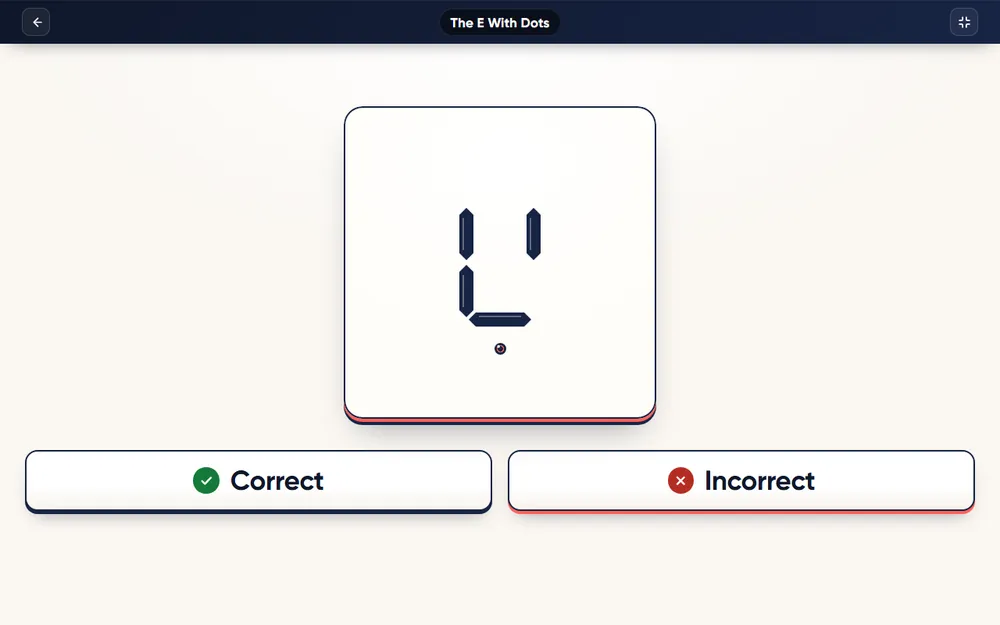 Attention & speedE With DotsA proper E with exactly three dots — both must be true.Module page →
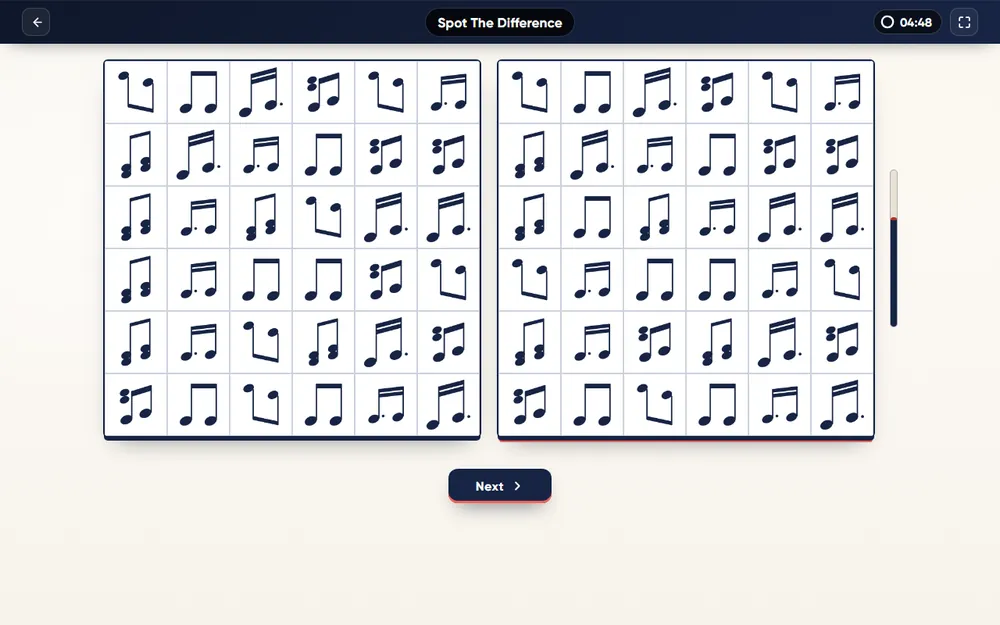 Attention & speedSpot the DifferenceTwo grids of symbols, five changed cells, forty seconds a puzzle.Module page →
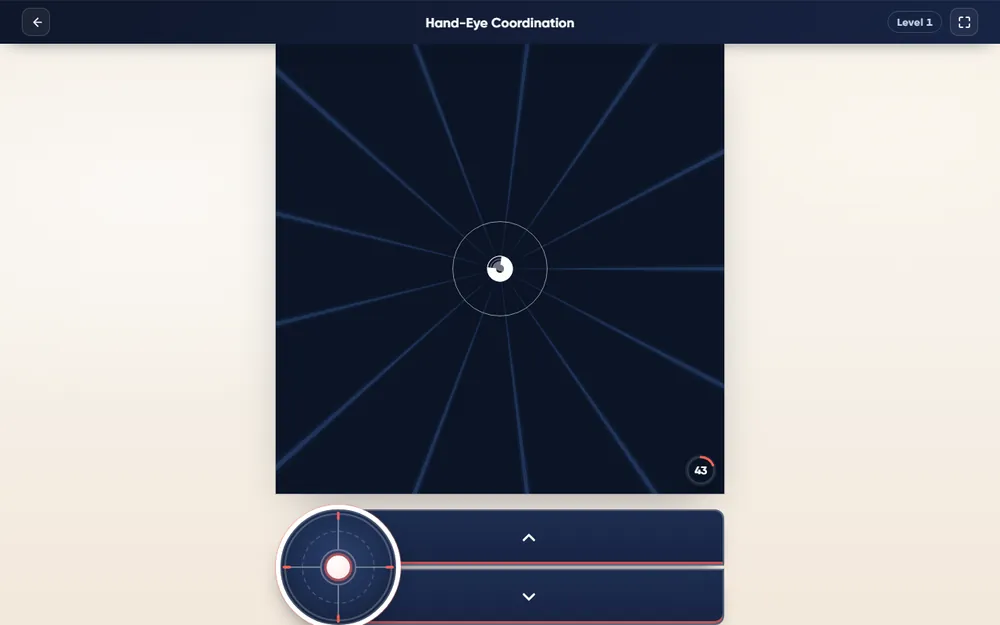 Attention & speedHand-Eye CoordinationSteer through the opening of every oncoming shape while the speed keeps rising.Module page →
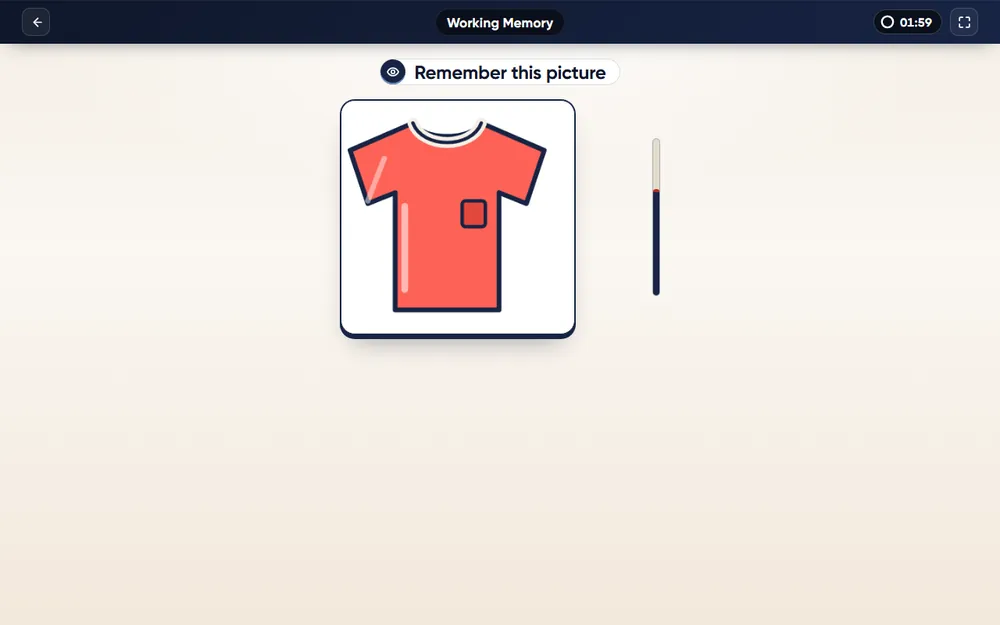 MemoryWorking MemoryIs this picture the same as the one before last? Yes or no, for two minutes.Module page →
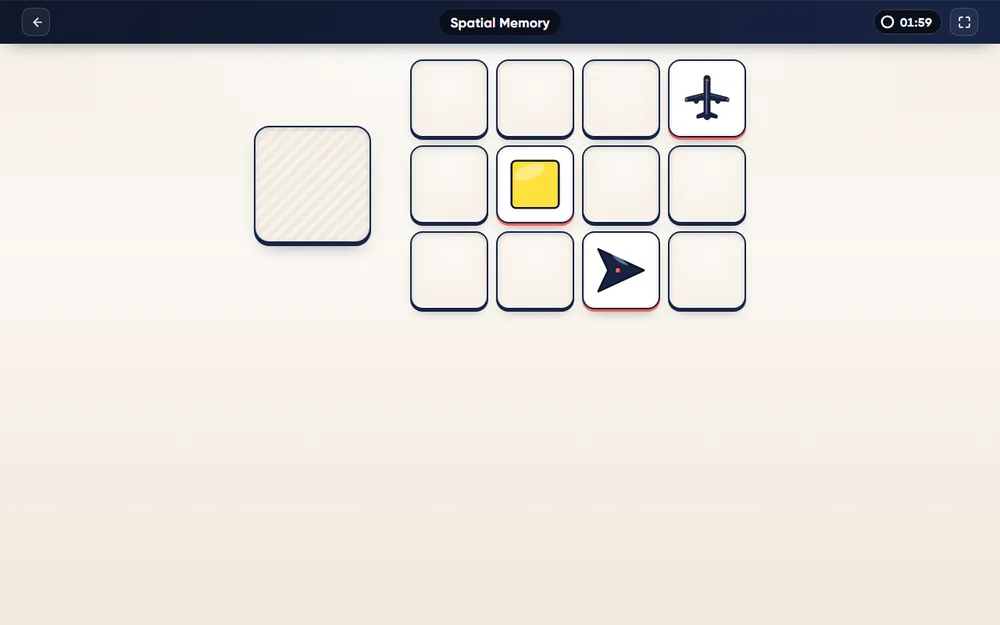 MemorySpatial MemoryTwelve pictures flash a few at a time — then point to where one was.Module page →
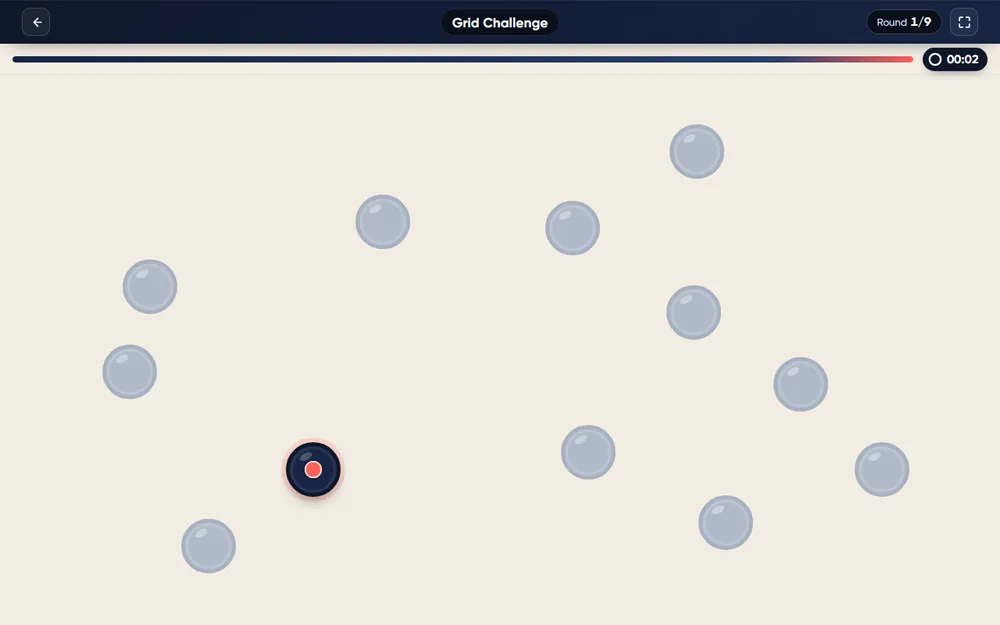 MemoryGrid ChallengeRemember the order of the dots while short puzzles pull your attention away.Module page →
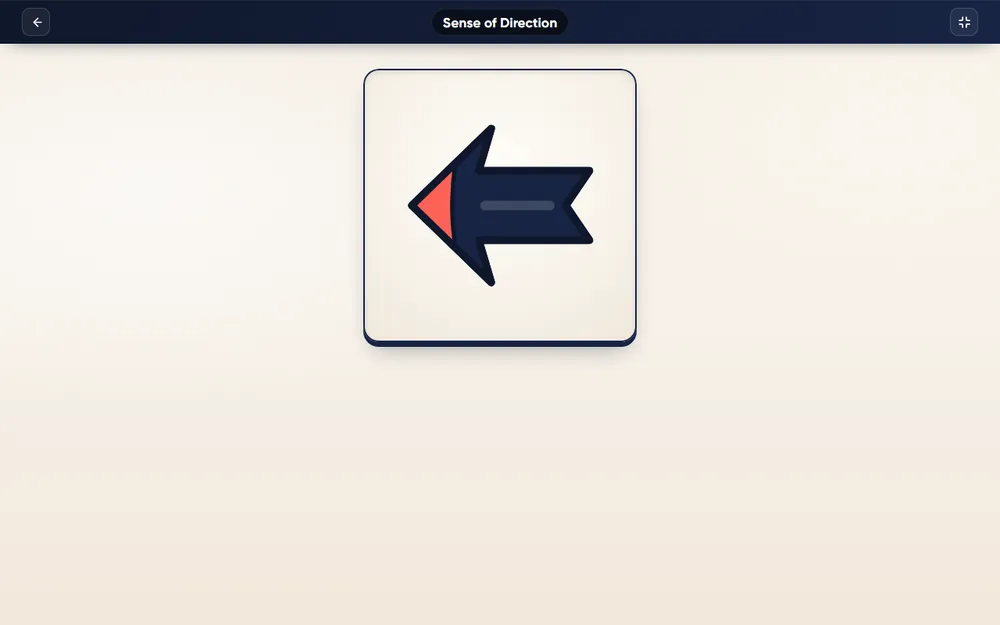 Spatial & logicSense of DirectionHold the last heading in mind and say how you would turn to face the new one.Module page →
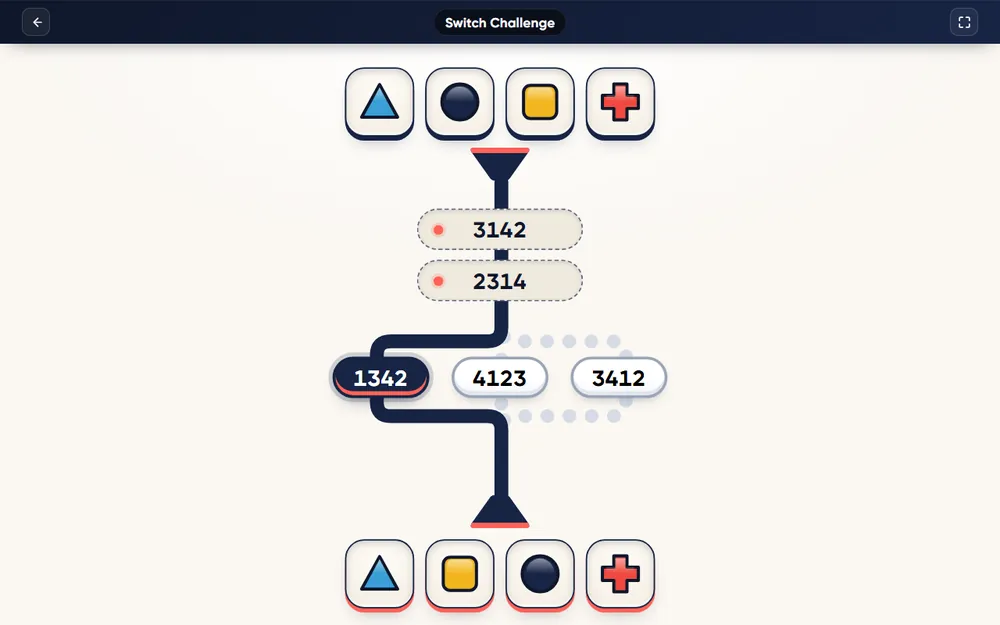 Spatial & logicSwitch ChallengeFour shapes go in, four come out in a new order — find the code.Module page →
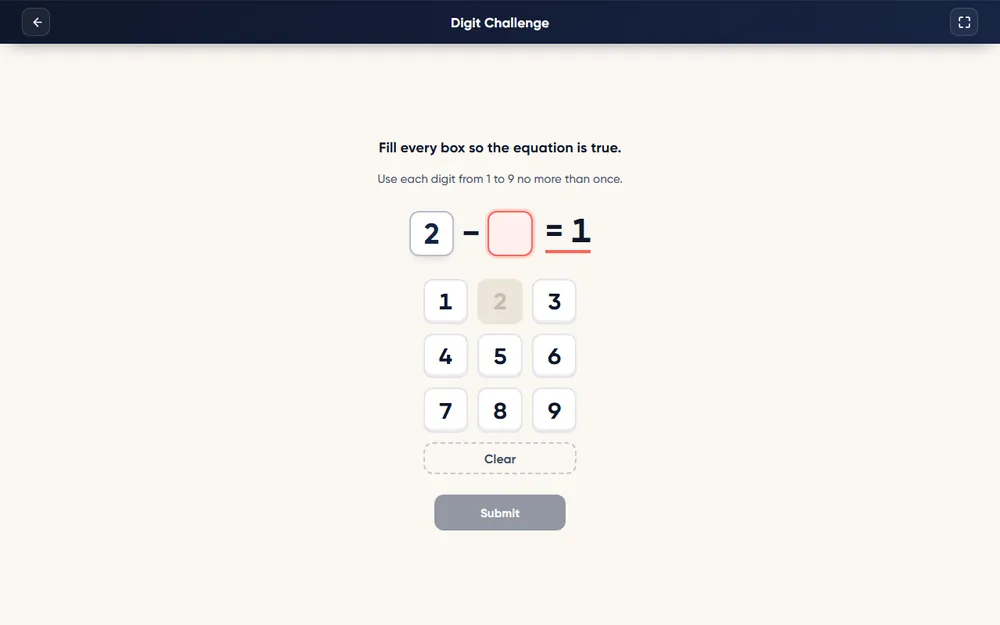 Spatial & logicDigit ChallengeA sum with every digit blank — fill it with 1 to 9, each used once.Module page →
Module names are ours. Neither Aon nor any employer publishes a list that these names match one to one; the modules reproduce task types, not any official test.
06Practice Mode vs Test Mode in CadetPro
Every module has the same two modes, and they are meant for different moments in your preparation:
| PRACTICE | TEST | |
|---|---|---|
| Clock | None | The module’s real time limit |
| Feedback | Every mistake explained, often with the task paused | Minimal, as in a real sitting |
| Score and report | No score | A score and a performance report for every run |
| Access | Free with a CadetPro account | PRO (per module or ALL IN ONE) |
07How to Prepare
- Find out what you can. Read your invitation closely; if it names the tests or their abilities, start with those families.
- Learn each format in practice mode. Rules, controls and traps should be familiar before you ever race the clock.
- Then train under time. Move to the timed mode and repeat each test several times; look at whether speed or accuracy is what limits your score.
- Train the weak family, not the favourite. It is tempting to repeat the test you are already good at. The report shows which family is costing you.
- Practise in sittings. Run several tests back to back to build the concentration a real battery needs.
- Prepare the basics. Sleep, a quiet room, a working device and sound if needed. They matter more on short tests than on long ones.
08Common Mistakes
- Learning the rules during the scored part. On a two-minute test, the first thirty seconds spent understanding the task are a quarter of the test.
- Protecting one task in a multitasking test. Scores are usually built from every panel; a neglected panel drags the whole result.
- Over-checking on speed-sensitive tests. When the score counts correct answers in the time, a slow perfect run can score lower than a steady accurate one.
- Guessing on tests that do not reward it. Some formats give no credit for partial answers or deduct for errors. Each CadetPro module page explains its own rule.
- Treating practice scores as predictions. No practice platform can tell you whether you will pass a selection process, and CadetPro does not claim to.
Frequently Asked Questions
They are short, timed online tests in the style of the cut-e test family, which is now part of Aon. Each test is a small task — counting moving dots, holding a sequence in memory, working three panels at once — that takes a few minutes and measures one cognitive ability, such as attention, working memory, multitasking or spatial orientation.
Candidate reports and forum discussions commonly mention Aon-style or cut-e-style tests in the selection processes of FTE Jerez, OSM Aviation Academy, Jet2, flynas and Wizz Air, among others. Employers rarely publish the exact battery and it can change between intakes, so treat any list as a guide and go by the invitation you receive.
No. CadetPro is an independent preparation platform and is not affiliated with Aon, cut-e or any airline or flight school. The modules are original builds modelled on publicly described task types.
Yes. Practice will not change your underlying ability overnight, but it removes the cost of learning the task during the real test: the rules, the controls, the pace and the traps. Candidates who meet a format for the first time on the day lose the first minutes to it.
Usually a few minutes. In CadetPro the timed TEST modes run from two minutes (for example Monitoring, Working Memory and Sense of Direction) to six minutes (Switch Challenge); Grid Challenge runs for nine rounds.
Both, and the balance differs by test. Some modules score accuracy alone; others count correct answers against a target, so a careful but slow run scores low. Each module page explains its own scoring rule.
Some do. In CadetPro, Sonic Multitasking reads phonetic-alphabet letters aloud and needs sound on; the other fourteen modules are silent.
You can practise on a phone, tablet or computer in CadetPro, and every module works with touch. For the real test, follow the device instructions in your invitation — many online assessments ask for a computer.
Employers do not usually publish one, and results are generally compared with other candidates rather than a fixed score. CadetPro does not know any employer’s cut-off and does not claim to.
The PRACTICE mode of every module is free with a CadetPro account. The timed TEST mode and the performance report are PRO, either per module or in the ALL IN ONE package.
Start with the free practice mode on any module, then train under the real time limits with a performance report for every run. The ALL IN ONE package opens all fifteen.
Explore the Aptitude Tests ALL IN ONE package →This guide is for information only and is not an official publication of Aon, cut-e or any employer. CadetPro is an independent preparation platform and is not affiliated with Aon, cut-e or any airline or flight school. Test, company and school names are used only to describe what candidates report; CadetPro does not guarantee any result in any selection process.

