info@cadetpro.com
English flag
English
Select a Language
English flag
English
Arabic flag
Arabic
Spanish flag
Spanish
0
MULTITASKING · THREE PANELS · 5 MINUTES

APTITUDE TESTS
Multitasking

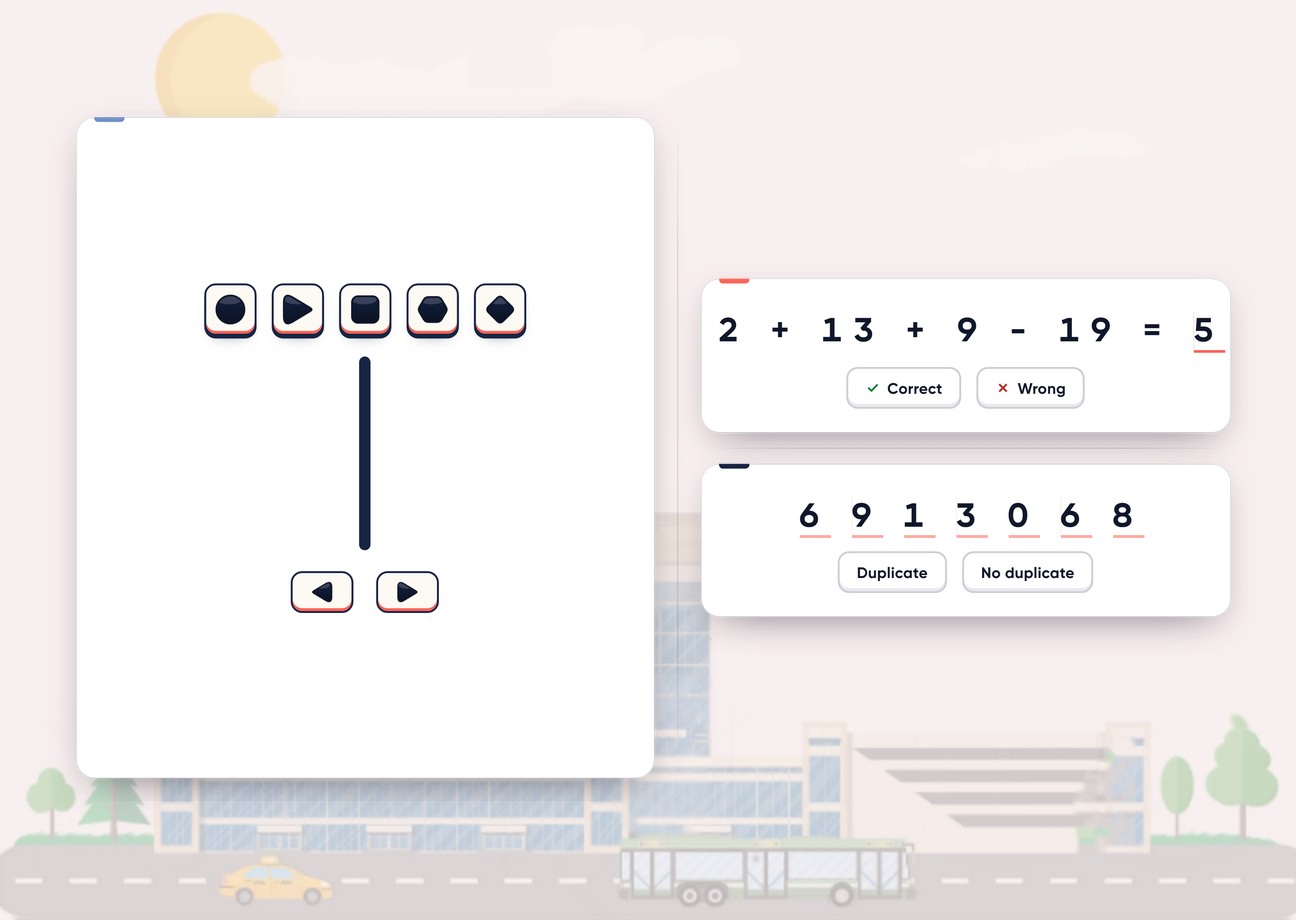
Three small jobs on one screen, and none of them waits for the others. At the top a four-number sum with an answer already written in: Correct or Wrong. In the middle seven coloured shapes: one of them twice, or all different. At the bottom a plane in five lanes, with rows of obstacles falling towards it and exactly one gap in each row. The test runs for five minutes and never stops.

  • Phone, tablet & PC
  • Performance analytics
  • 5-minute test mode

CadetPro is an independent preparation platform and is not affiliated with Aon, cut-e or any airline or flight school.

MULTITASKING / REAL MODULE SCREENS 5 screens
How it works

Three panels, one clock. The sum is worked left to right and answered Correct or Wrong. The shapes are answered 1X (all different) or 2X (one repeats). The plane is steered with the control bar or the left and right arrow keys. In practice any mistake stops all three panels and explains it; in the test nothing stops.
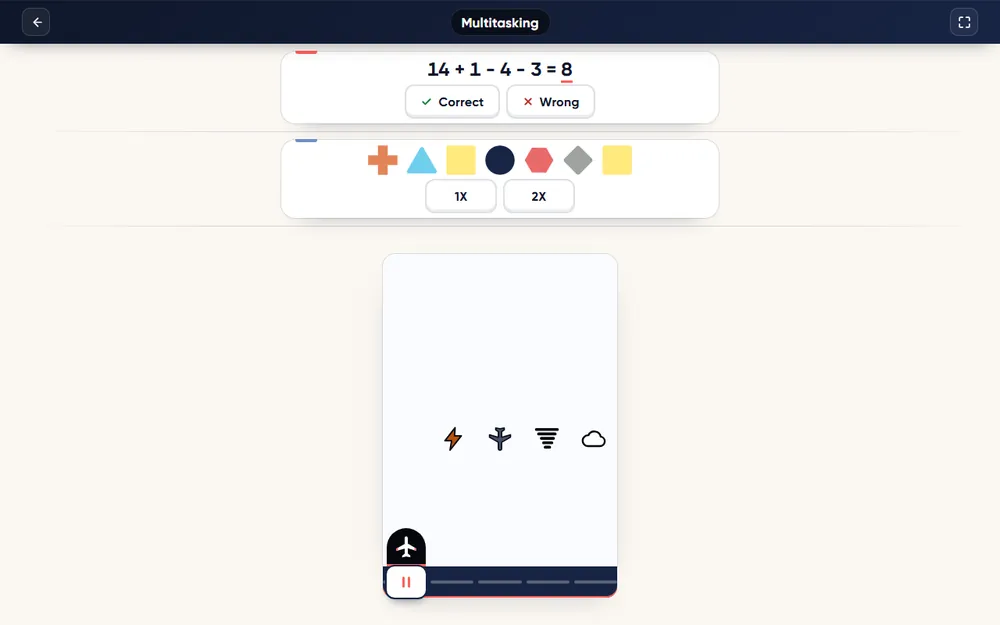
Multitasking: in play

A Multitasking round in progress.
All 15 modules

You are looking at one test.
The set has 15.

Aon-style batteries rarely stop at a single task: candidates commonly report several short tests in one sitting. Preparing for one module leaves the rest untouched — the bundle opens every one of them, on one account.

  • Multitasking, attention, memory and spatial modules
  • Same practice mode, timed test and performance report on each
  • One purchase, one login, nothing to add later
15 modules, one by one 2 985 TL
Aptitude Tests ALL IN ONE 1 063 TL

You keep 1 922 TL · 64% less

See the full set 30-day access shown · 90 and 365-day plans on the bundle page
Module logic

Three jobs.
One pair of eyes.

The difficulty is not in any single panel — each one alone is easy. It is in the switching: every second you spend on the sum is a second the plane is flying on its own. The three steps below are the order in which the test is worth learning.

STEP 01

Three panels that never wait

The top panel shows a four-number sum of additions and subtractions, worked left to right, with an answer printed after the equals sign. The middle panel shows seven coloured shapes: answer 2X if one shape appears twice and 1X if all seven are different. The bottom panel is a plane in five lanes; rows of obstacles fall towards it, each with one gap. A new question appears about a second after you answer, and its buttons go live a moment later, so tapping early does nothing.

Multitasking: in play
Real module screen · In play
What it measures

Split attention.
Without dropping anything.

Tests of this kind look at how well you keep several streams of work alive at once — a sum that needs a decision, a visual scan, and a control task that punishes you the moment you look away.

01 / DIVIDED ATTENTION

Three streams, one clock.

Nothing pauses while you think. The plane keeps flying while you check the sum, and the next sum is already waiting when you look back. What is being measured is how you share time between tasks, not how well you do any one of them.

02 / MENTAL ARITHMETIC

Four numbers, left to right.

Short additions and subtractions, judged against a printed answer.

03 / VISUAL SCAN

Seven shapes, one possible twin.

The pair is never adjacent, so the scan has to compare across the row.

04 / CONTROL

One gap per row.

Steer with the bar or the arrow keys; a missed gap is an obstacle hit.

Included with PRO

Let every test run write your next study plan.

Every TEST run you finish is analysed automatically. The useful part is not the single score — it is seeing whether speed or accuracy is what holds you back, and whether the next run is actually better than the last.

01

Accuracy and pace

Every TEST run is broken down into what you got right and how fast you worked — answers per minute and time per answer — so you can see whether speed or accuracy is the thing holding the score back.

02

Score trend across runs

Your runs are kept, so the report shows whether you are actually improving and compares your latest run with the earlier ones. On the multitasking modules and Grid Challenge it also breaks the result down task by task.

03

How you compare

The PRO report places your result among other CadetPro candidates on the same module, which is a more honest yardstick than a raw score on its own.

04

Consistency, error balance and study notes

How steady you are from run to run, where your errors cluster, and short study notes written for that pattern — the part of the report that tells you what to practise next.

Choose PRO access — unlock your report →Detailed performance analysis is included in every access plan.
✓ VERIFIED REVIEWS

No reviews yet.

This module has just been published. Verified reviews from CADETPRO students appear here automatically as they come in — we do not write them ourselves and we do not display placeholder ratings.

0reviews
—average
0negative

✓CADETPRO course data — real student reviews, read live from the course record. Names shortened for privacy.

Support

Frequently Asked Questions

For anything not covered here, get in touch:

info@cadetpro.com →

What these tests are and how to prepare:

Aon-style aptitude tests guide →
What is the Multitasking test?

It is a three-panel task that runs for five minutes: a four-number sum to judge Correct or Wrong, a row of seven coloured shapes to judge 1X (all different) or 2X (one repeats), and a plane to steer through the single gap in each falling row of obstacles. All three run at the same time and none of them waits for you.

How is the Multitasking test scored?

Each panel gets its own score — accuracy multiplied by how many questions you answered against a reference based on the obstacle rows you met — and the three are averaged. Both accuracy and keeping every panel moving matter.

Can I use the keyboard?

Only for the plane: the left and right arrow keys steer it. The sum and the shapes are answered with on-screen buttons. On a phone or tablet you steer with the control bar.

Are there patterns in the questions?

Two are built in and worth knowing: a wrong printed answer is always too high, by one to five, and the repeated shape is never next to its twin. Neither tells you the answer; both tell you where to look.

Is practice mode free?

Yes. PRACTICE mode needs no purchase: open the module from a free CadetPro account. It has no clock and no score, and it explains your mistakes. The timed TEST mode and the full performance report are part of PRO.

What does PRO add?

The TEST mode, which recreates exam conditions with the real clock and the scoring described above, and a performance report for every TEST run — accuracy, pace and your score trend across runs, with deeper analysis on top.

Where are tests like this used?

Aon-style aptitude batteries (the cut-e family of short online tests) are commonly reported by candidates in pilot selection at flight schools and airlines — FTE Jerez, OSM Aviation Academy, Jet2, flynas and Wizz Air are among the names that come up in candidate reports. Which tests are used, and how, differs by employer and intake and changes over time, so always go by the invitation you receive.

Is this the official Aon or cut-e test?

No. CadetPro is an independent preparation platform and is not affiliated with Aon, cut-e or any airline or flight school. Our modules are original builds modelled on publicly described task types; they are not copies of any official test, and practising here does not guarantee any result in a selection process.

All aptitude modules

The rest of the Aptitude Tests set

Take the modules you need one at a time — each one has its own page, its own screens and its own report. New to these tests? Read our free Aon-style aptitude tests guide.

Aptitude Tests ALL IN ONEFULL SET

Aptitude Tests ALL IN ONE

All fifteen Aon-style aptitude modules in one purchase.

1063 TL
Aptitude: Monitoring PROPRO

Aptitude: Monitoring PRO

Count the drifting dots before they move again — five keys, two minutes.

199 TL
Aptitude: Spatial Orientation PROPRO

Aptitude: Spatial Orientation PRO

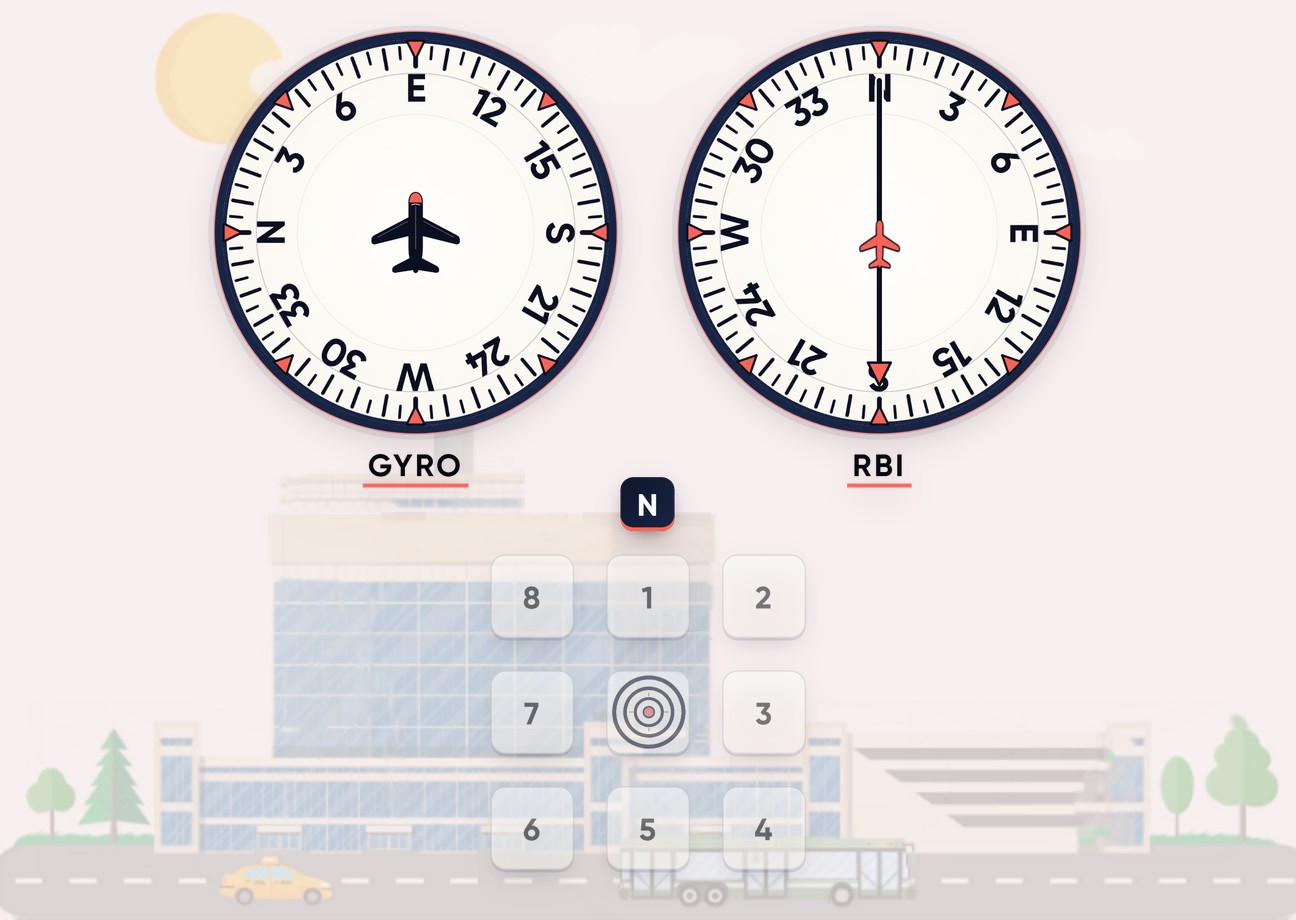
Read a heading instrument and a bearing needle — then place the aircraft.

199 TL
Aptitude: Multitasking Capability PROPRO

Aptitude: Multitasking Capability PRO

An arrow among shapes, a running sum and a row of digits, for five minutes.

199 TL
Aptitude: Sonic Multitasking PROPRO

Aptitude: Sonic Multitasking PRO

Two tasks you see and one you only hear — turn your sound on.

199 TL
Aptitude: Reaction Speed PROPRO

Aptitude: Reaction Speed PRO

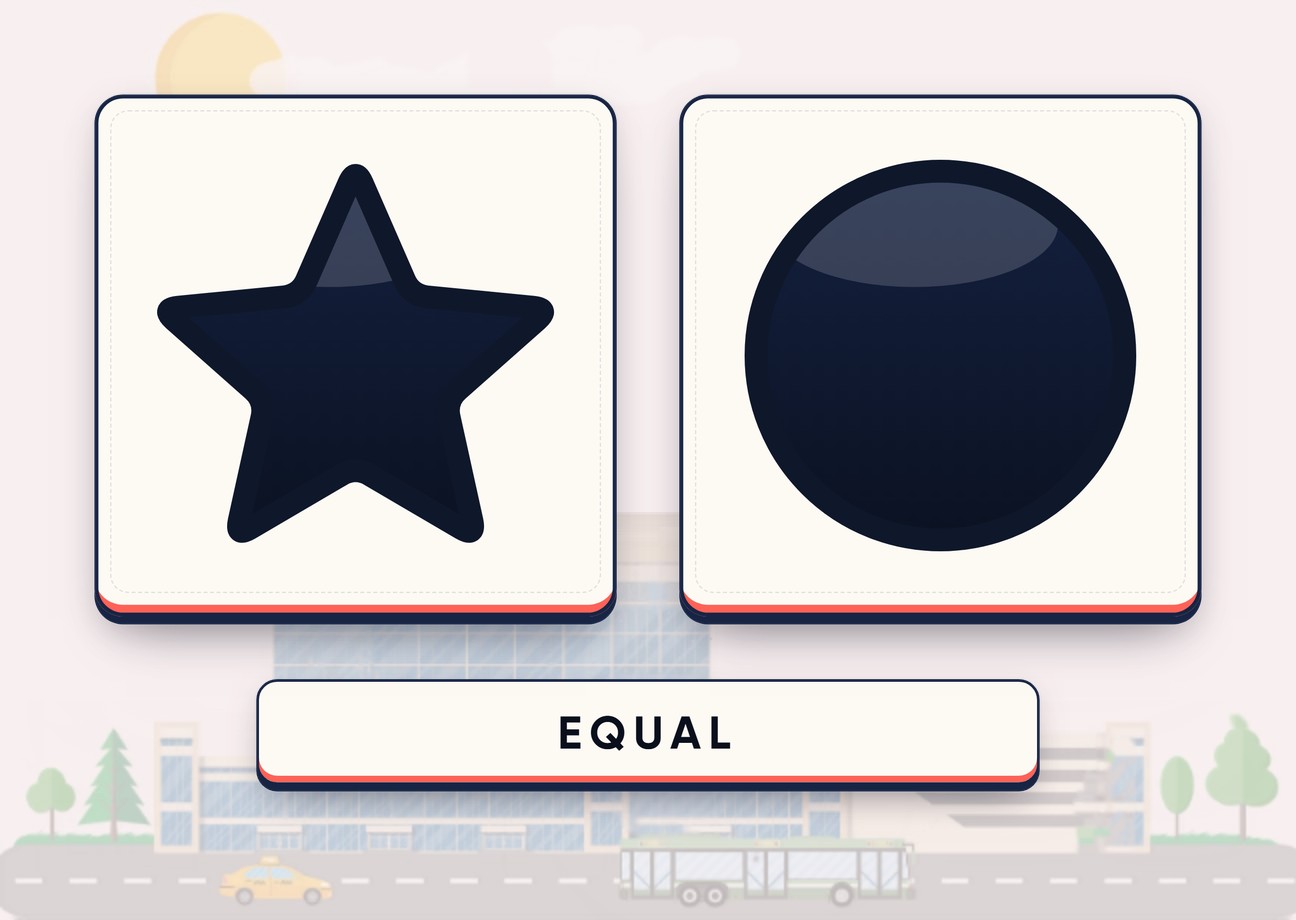
Two shapes, a new pair every second — press only when they match.

199 TL
Aptitude: E With Dots PROPRO

Aptitude: E With Dots PRO

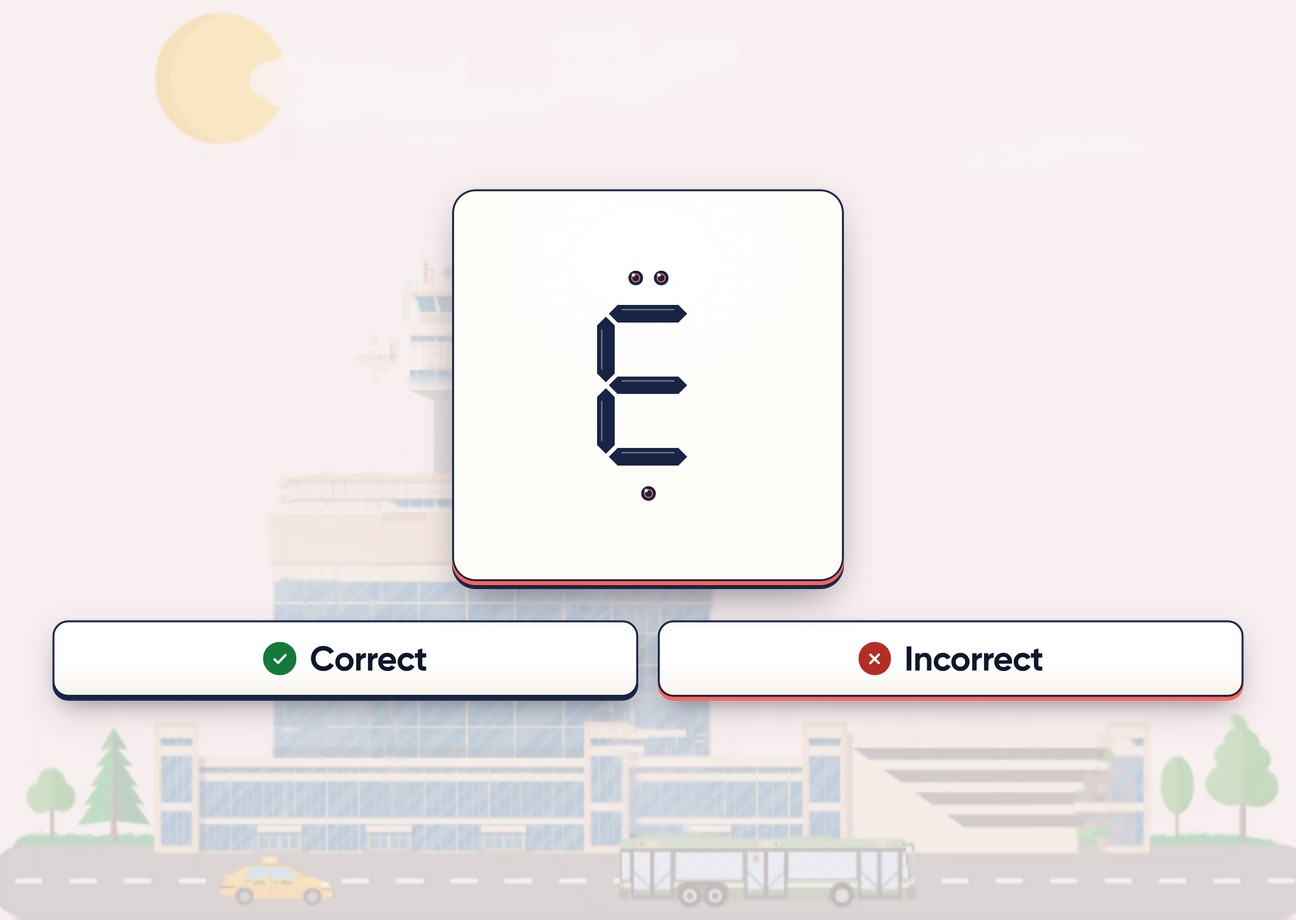
A proper E with exactly three dots — both must be true.

199 TL
Aptitude: Spot the Difference PROPRO

Aptitude: Spot the Difference PRO

Two grids of symbols, five changed cells, forty seconds a puzzle.

199 TL
Aptitude: Hand-Eye Coordination PROPRO

Aptitude: Hand-Eye Coordination PRO

Steer through the opening of every oncoming shape while the speed keeps rising.

199 TL
Aptitude: Working Memory PROPRO

Aptitude: Working Memory PRO

Is this picture the same as the one before last? Yes or no, for two minutes.

199 TL
Aptitude: Spatial Memory PROPRO

Aptitude: Spatial Memory PRO

Twelve pictures flash a few at a time — then point to where one was.

199 TL
Aptitude: Grid Challenge PROPRO

Aptitude: Grid Challenge PRO

Remember the order of the dots while short puzzles pull your attention away.

199 TL
Aptitude: Sense of Direction PROPRO

Aptitude: Sense of Direction PRO

Hold the last heading in mind and say how you would turn to face the new one.

199 TL
Aptitude: Switch Challenge PROPRO

Aptitude: Switch Challenge PRO

Four shapes go in, four come out in a new order — find the code.

199 TL
Aptitude: Digit Challenge PROPRO

Aptitude: Digit Challenge PRO

A sum with every digit blank — fill it with 1 to 9, each used once.

199 TL
Aon-style aptitude tests guideGUIDE

Aon-Style Aptitude Tests Guide

What the tests are, where candidates report them, and how to prepare.

Free
Aptitude: Multitasking PROAptitude: Multitasking prep module · 30-day access · 199 TL
BUY NOW
30-day access199 TL
Select plan